



The Idea Garage
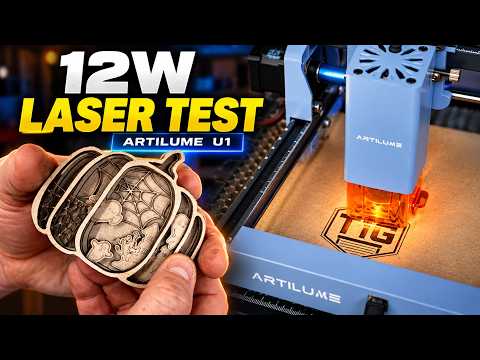
A hands-on review of the ARTILUME U1, featuring custom logo engraving, a layered pumpkin project, and real-world cutting performance.
 Over $69 Free Shipping
 Stress-Free Installments
 3-5 Days Shipping Time
 18-Month Warranty
 30-Day ReturnsOver $69 Free ShippingStress-Free Installments3-5 Days Shipping Time18-Month Warranty30-Day ReturnsOver $69 Free ShippingStress-Free Installments3-5 Days Shipping Time18-Month Warranty30-Day Returns

UP TO 45% OFF
Black Friday Sale
BLACK FRIDAY SALE
UP TO 45% OFF


All machines purchased through the official Artilume website are backed by an 18-month limited warranty, giving you added peace of mind. Register your product to activate and manage your warranty coverage.
We want you to feel confident about your purchase. If you're not completely satisfied, eligible items may be returned within 30 days of delivery, provided they are in their original condition. Learn more >
Chat with our support team directly through our website. If we're unavailable or there's a delay due to time zone differences, simply leave your contact information and we'll get back to you by email as soon as possible.


Watch real makers unbox, test, and create with the ARTILUME U1.
A hands-on review of the ARTILUME U1, featuring custom logo engraving, a layered pumpkin project, and real-world cutting performance.
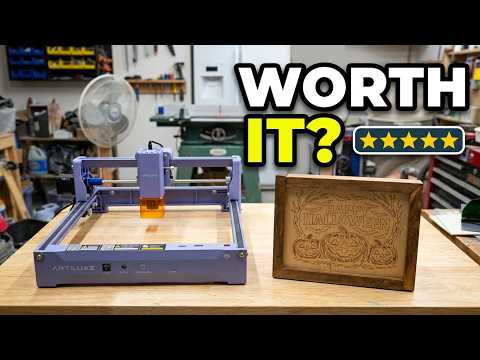

Putting the U1 to the test with hands-on woodworking projects.
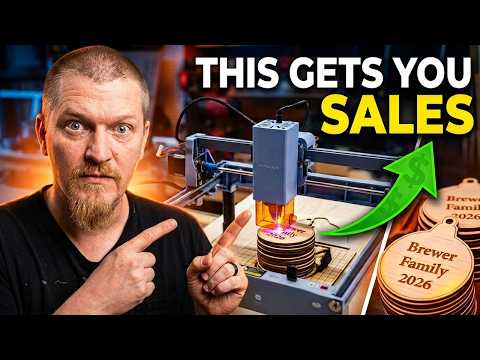

A hands-on review of the U1's setup, software, and real-world engraving performance for beginners.
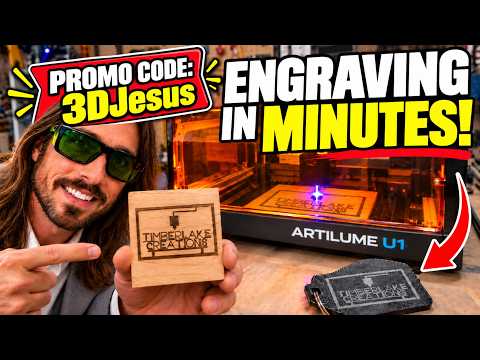

From wood to 3D-printed keychains, see how the U1 brings custom logos and personalized designs to life.
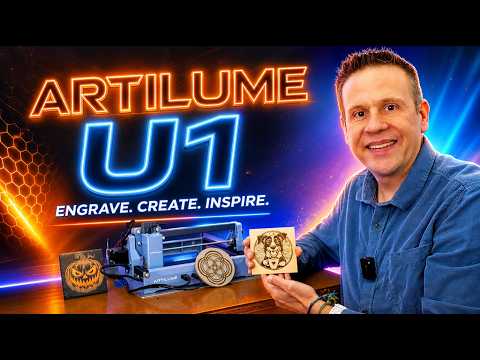

A closer look at the U1's features, setup, and real-world engraving performance.
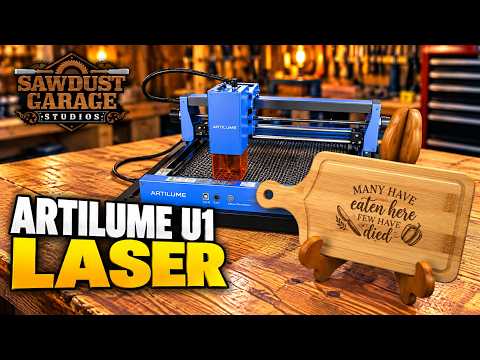

A closer look at the U1's compact design and DIY engraving capabilities.
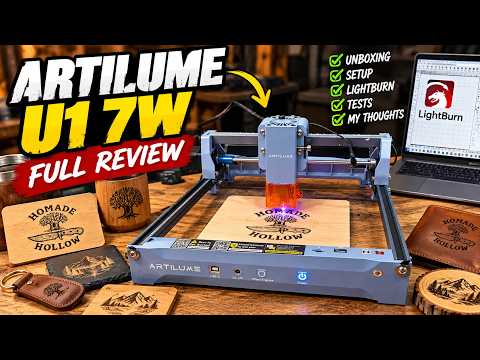

A hands-on unboxing and first-use test of the ARTILUME U1 7W, highlighting its quick setup and beginner-friendly engraving experience.
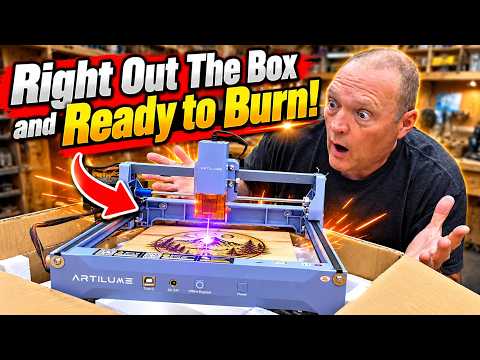

See the machine in action and discover how it brings creative ideas to life.
From fine engraving to deeper cutting, choose the laser module that matches your projects.


From personalized gifts to everyday creations, see what makers bring to life.


I wasn't sure how the tiny details would turn out on the slate, but the moth and floral patterns came out beautifully. Love the contrast!


Made this clock for our living room. The leaf details came out really clean, and the darker wood gives it such a nice finish.


Tried engraving a mountain design on my knife blade. Took a few test runs to get the settings right, but I'm really happy with the detail.


I personalized a bamboo cutting board as a housewarming gift. The engraving came out crisp, and I love how the natural grain shows through.


Made this little Halloween house for our entryway. Putting all the pieces together took some patience, but it looks amazing with the lights on!


3W / 7W / 12W Diode Laser | 1W Infrared Laser
200 × 150 mm (7.9 × 5.9 in)
0.01 mm
Up to 7,000 mm/min
LightBurn (Windows / macOS); LaserGRBL (Windows)
Honeycomb Panel, Air Assist System, Mini Rotary Roller
Engrave + Cut
8mm
4mm

ARTILUME U1 Laser Engraver

User Manual

TF Card

Laser Safety Goggles

Black Acrylic Sheet

USB Cable

Wood Engraving Blank

Kraft Paper Sheet

Cleaning Brush

Marking Pen
Choose the 1W IR for compatible metal surface marking, 3W for light and detail-focused work, 7W for everyday engraving versatility, or 12W for more cutting capability on suitable materials. The right option depends on your primary projects.
For many uncoated metal-marking applications, choose the optional 1W IR module. Diode modules are more suitable for selected coated, painted, or treated surfaces. Always check the metal and test settings first.
Yes. LightBurn supports Windows and macOS workflows, while LaserGRBL is for Windows. Check software licensing, supported firmware, and setup instructions before connecting.
Yes! The Artilume U1 supports wireless control through the CutLabX mobile app. Simply connect your U1 via Wi-Fi to design, customize, and manage engraving projects right from your phone.
Round-item engraving requires a compatible rotary roller and enough clearance for the object.
Material suitability varies by module. Common project materials include wood, paper, leather, suitable coated surfaces, stone, selected acrylic, and compatible metals with IR marking. Never laser unknown plastics, PVC, or vinyl; fumes may be hazardous.
The U1 is designed for a straightforward desktop setup, but you'll still need to follow the manual, confirm laser focus, connect supported software, and prepare a properly ventilated work area before your first job.

For Support:support@artilumelab.com
For Sales:info@artilumelab.com
WhatsApp: +852 5466-7824
Mon - Fri 9:00 am - 6:00 pm EST


Not sure where to start? Try these collections:


